Every Owner Follows
The Auction on Their Phone.
Owners join with a link, then watch every player, bid and budget live. No app install, no crowding around one screen.
The AuctionPro team owner view gives each team owner or captain a live phone screen: the current player and bid, their own budget and squad, and every other team's balance. In Remote auctions owners also place their own bids; in In-Person auctions the screen is view-only.
Owners Join Before the Auction Starts
Share a join link or code. Owners sign in with a one-time code and wait in a lobby until you go live.
- Join with a link or code from the organizer
- Waiting room until the auction starts
- Self-registration for owners, with optional fee and code
- Works in the phone browser
- Join link
- One-time code
- Waiting room
- Owner registration
Follow Every Player Live
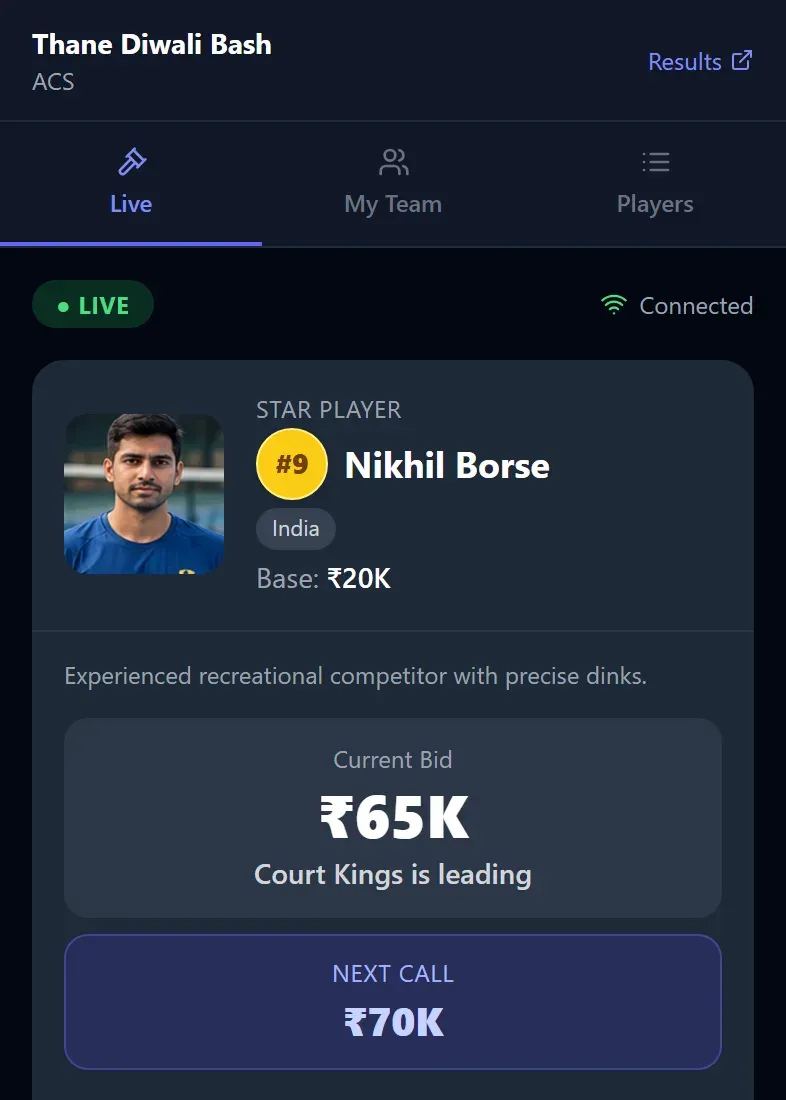
Owners see the player on the block, the current bid, which team is leading and the next call amount, updated in real time.
- Current player with photo, base price and details
- Current bid and the leading team
- Next call amount
- Recent bids shown as they happen
- Remote auctions: owners bid from this screen. In-Person auctions: view-only
Track Your Budget and Tap Any Team
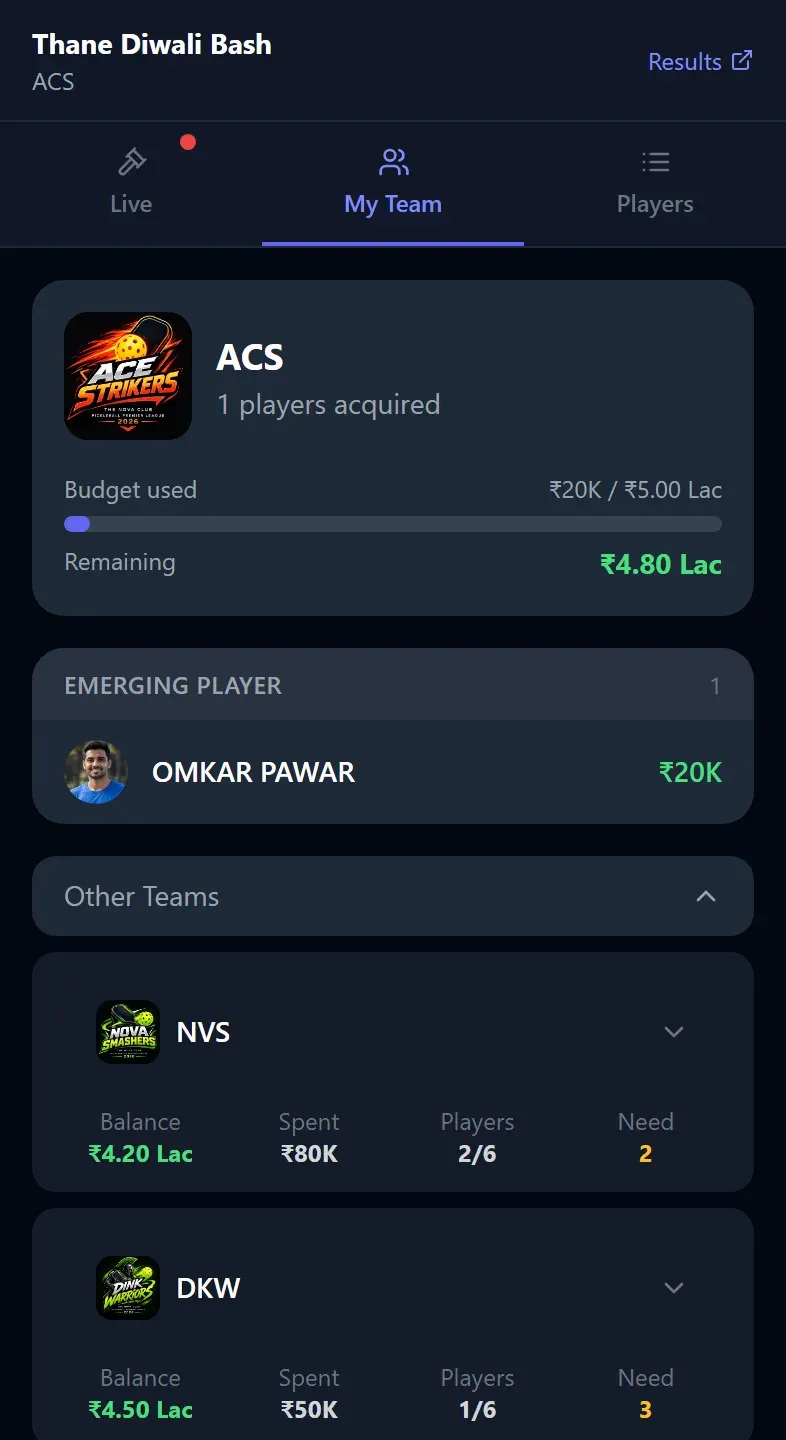
The My Team tab shows your budget and squad. Every other team is listed below, and a tap on a team card opens its players.
- Budget used and remaining for your team
- Players your team has bought, grouped by role
- Other teams with balance, spent, players and need
- Tap a team card to expand its squad
- Players tab lists everyone with their status
Frequently Asked Questions
Give Your Team Owners a Live Phone View
Create a free auction and invite owners with a single link.