Put Your Auction
On the Big Screen.
A full-screen broadcast view for projectors and LED walls, a transparent OBS overlay for live streams, and a public watch page for everyone else.
The AuctionPro broadcast view turns a live player auction into a TV-style show: a big-screen display for the venue, a transparent overlay for OBS and YouTube streams, and a shareable public watch page for fans at home.
Built for Projectors and LED Walls
Open the broadcast view on the venue screen and your audience sees the player, the live bid and the sold moment in your chosen theme.
- Fit modes: stretch, fit height or fit width for non-standard screens
- Configurable pause screen with title, message, logo, sponsors, stats and recent sales
- Show a custom image on the broadcast screen, with animation options
- Sponsor logo in six positions, with option to hide AuctionPro branding

A Transparent Overlay for OBS
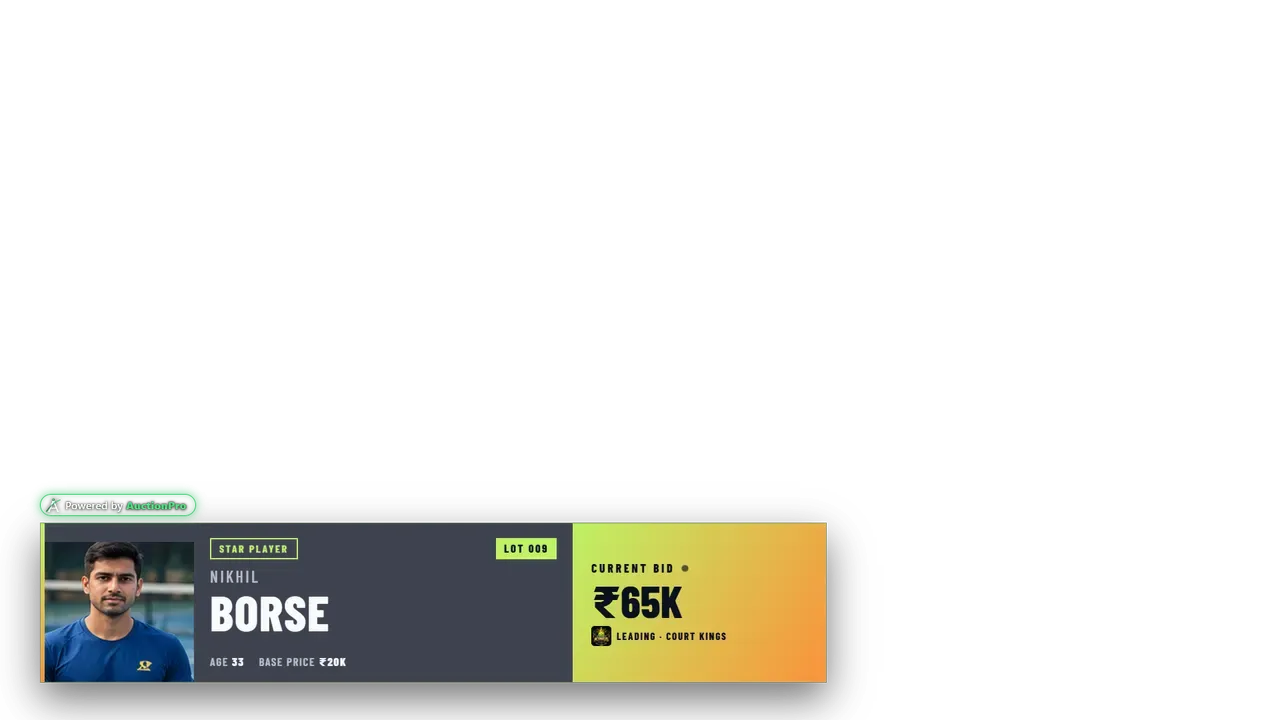
Add the overlay link to OBS as a browser source. The live player card and bid appear over your video feed with your theme applied.
- Transparent background, ready to layer over any camera or screen
- Style overrides can be set in the overlay link
- Designed to stay stable through long, unattended streams
- Optional YouTube stream link on the auction
A Public Page Anyone Can Follow
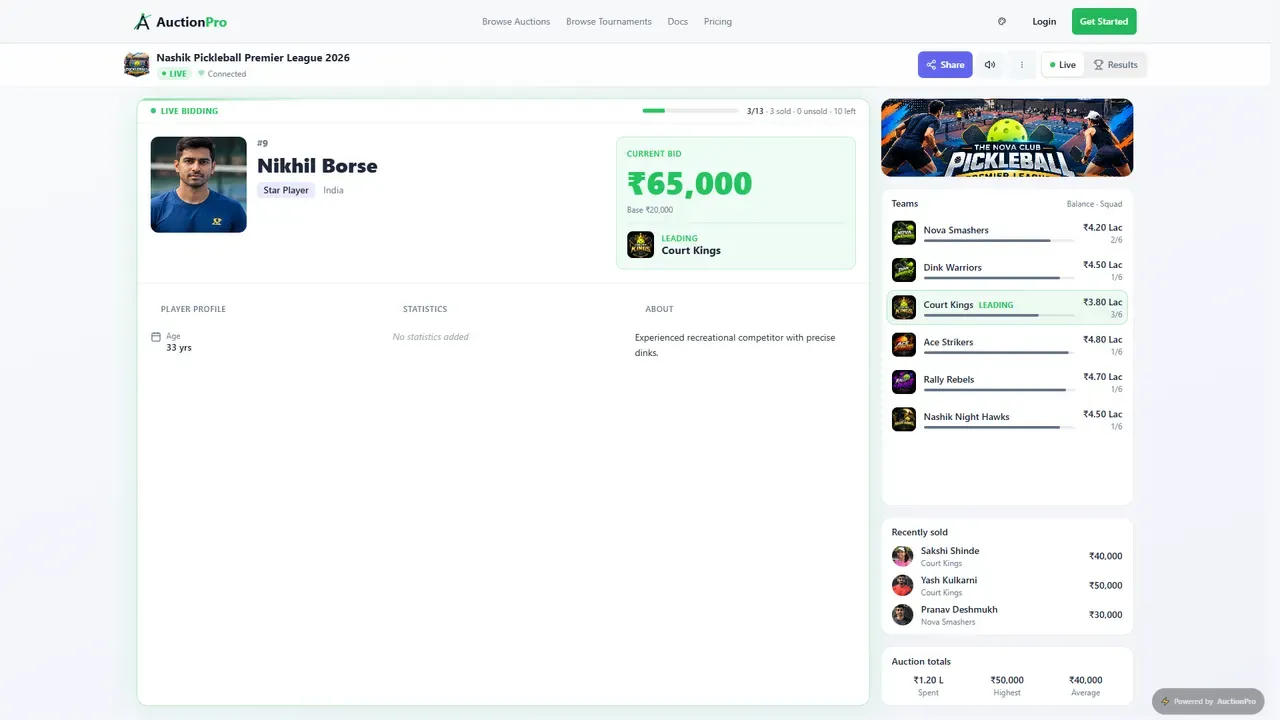
Share one link and fans can watch bids and results live on their phones, no login needed.
- Public live watch page for each auction
- Public results page after the auction ends
- Share the link on WhatsApp or social media
Follow Along From Anywhere
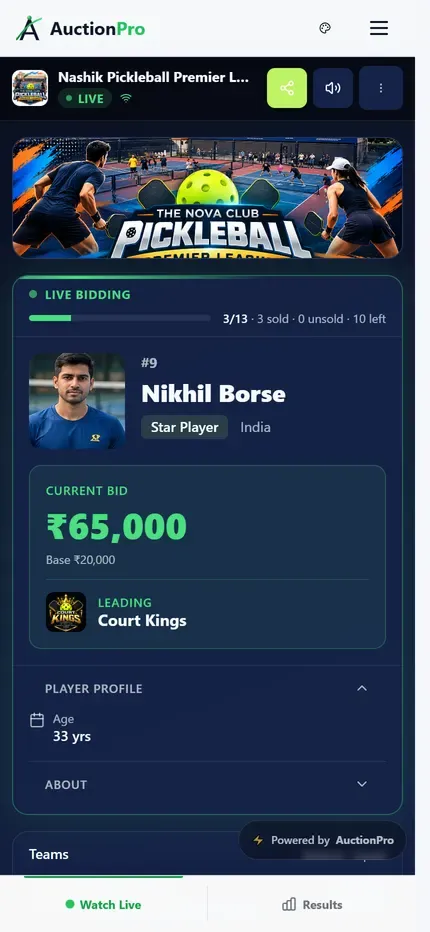
The watch page is built for phones, so team supporters can see the live bid, team budgets and recent sales without installing anything.
- Mobile-friendly live view
- Live bid and leading team always visible
- Switch between live view and results
Frequently Asked Questions
Make Your Next Auction Look Broadcast-Ready
Create a free auction and open the broadcast view on any screen.